VixArt

Draw, make comics and animate on your phone

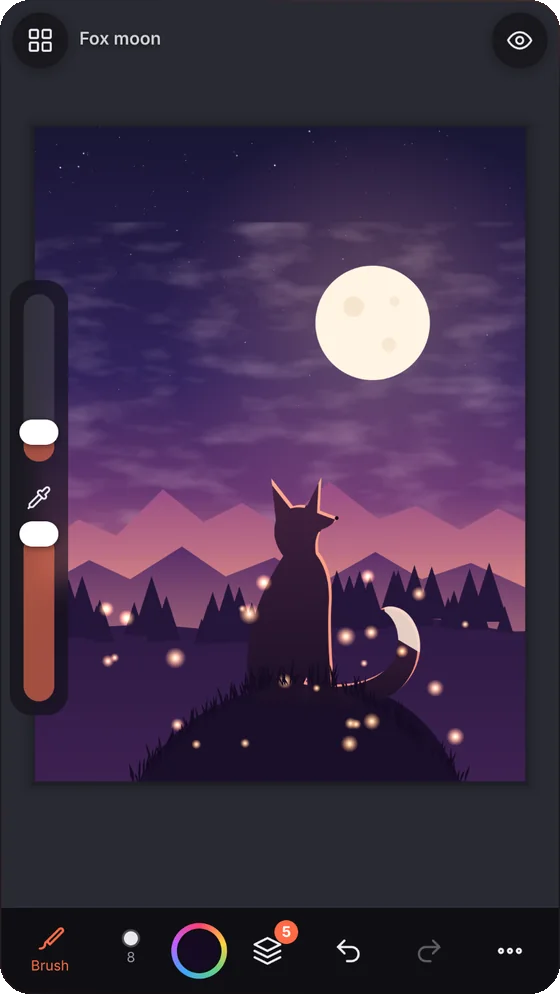
VixArt is a complete drawing studio for Android: brushes with real texture, layers, comic panels and animation, in an interface that keeps your canvas front and center.

Coming soon to Google PlaySee features

Free. Made in the Dominican Republic by ViRav Studio.

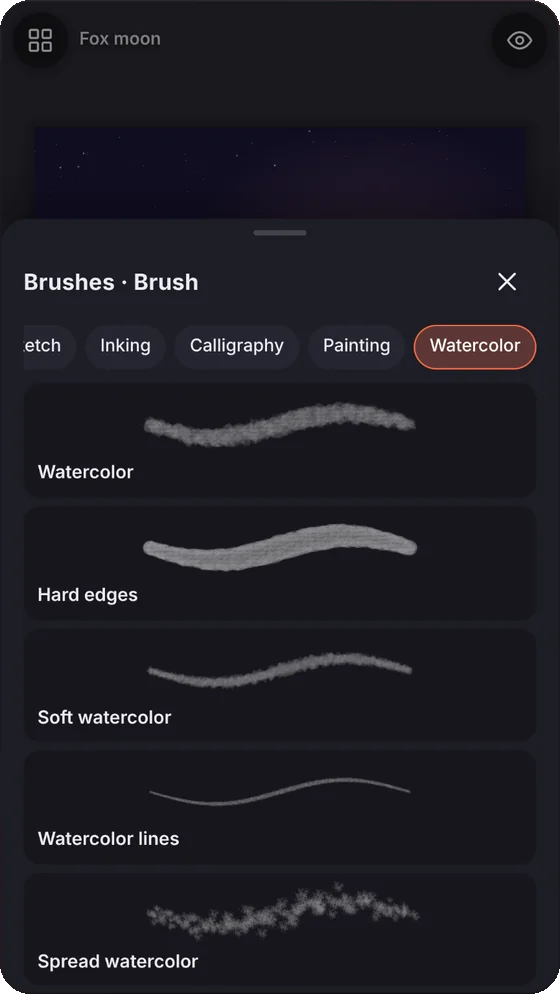
202 brushes that feel real

Pencils, inks, watercolor, oil and calligraphy with real textures. Strokes follow your stylus pressure and get as smooth as you like.

  • 12 ready-to-use categories
  • StreamLine and stabilizer for clean lines
  • Simulated pressure when you draw with your finger

Design your own brushes

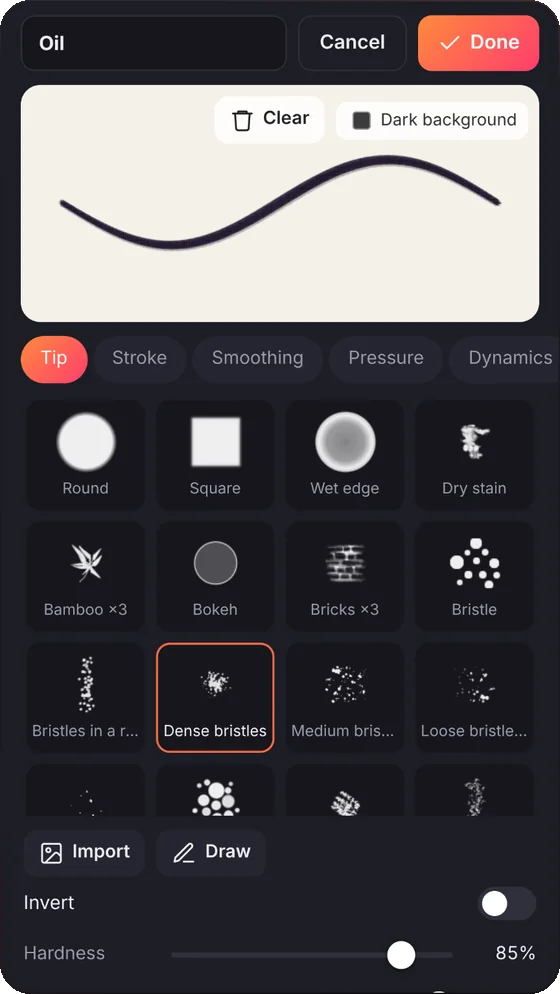
In the Brush Studio you choose the tip, grain and dynamics, and try them out instantly. You can even draw the tip yourself.

  • Use an image as a tip or texture
  • Create a brush from a selection
  • Share brushes as .vixartbrush files

Comics and manga made simple

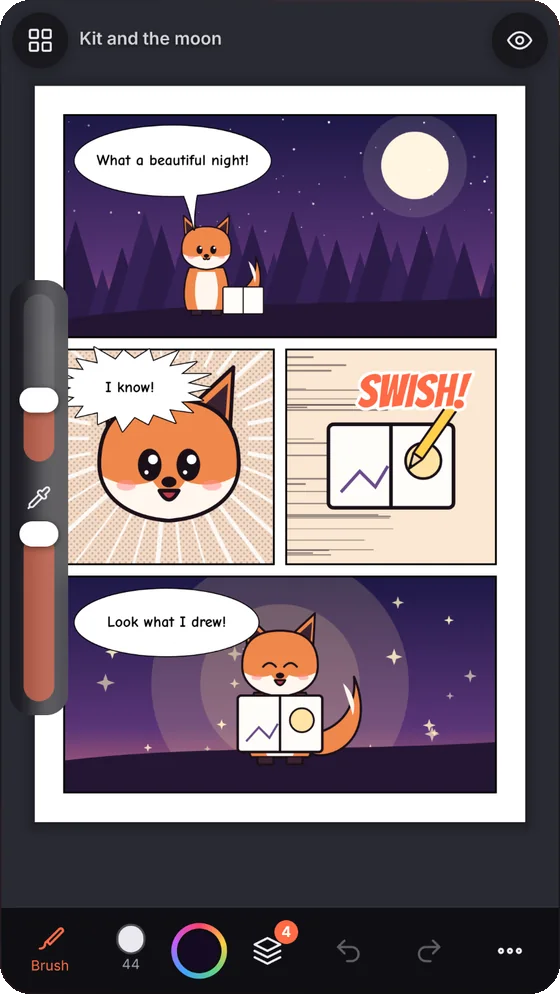
Split the page into panels with a single stroke, add speech balloons with the tail wherever you want and write vertically, manga style.

  • 5 balloon types and outlined text
  • Dot, line and sand screentones
  • Focus lines and speed lines

Animate frame by frame

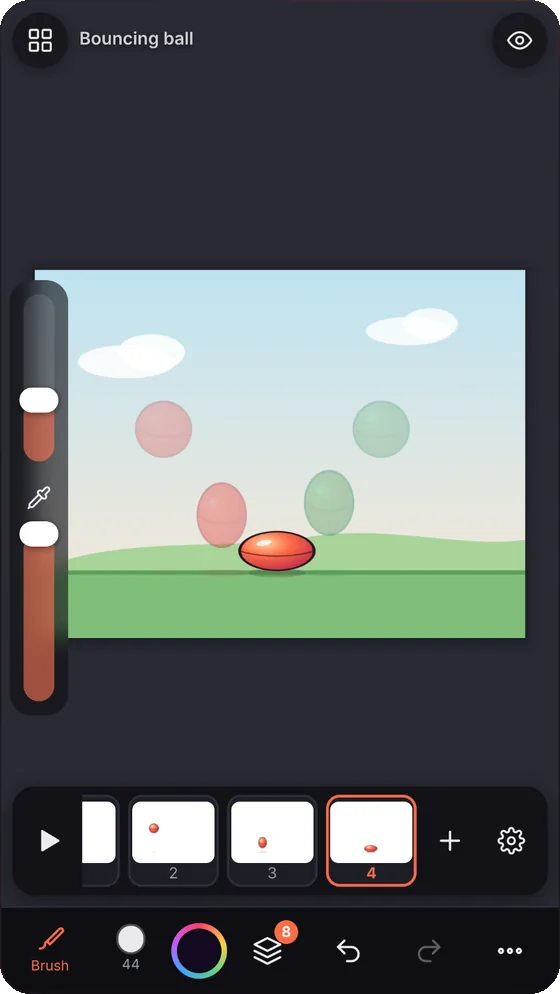
Turn on animation and every layer becomes a frame. Compare it with the previous one and play it back instantly.

  • Onion skin before and after
  • 1 to 30 fps, looping or ping-pong
  • Export GIF, MP4 video or a PNG sequence

Layers like on a computer

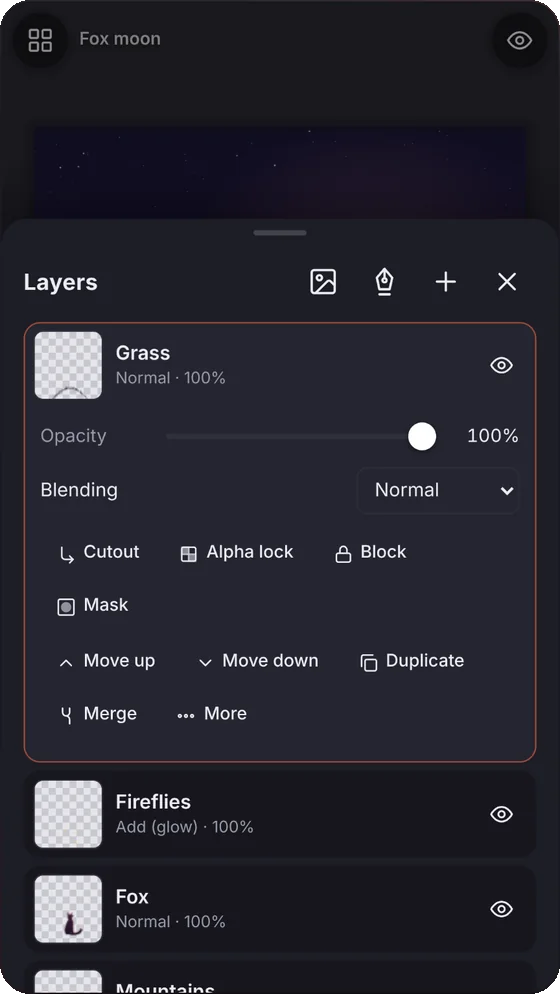
17 blend modes, layer and clipping masks, alpha lock and opacity for every layer. When you're done, keep going in another program.

  • Export layered PSD to continue in any drawing program
  • Transparent PNG, JPG and .vixart project
  • Everything saves itself to your gallery

Beyond the canvas

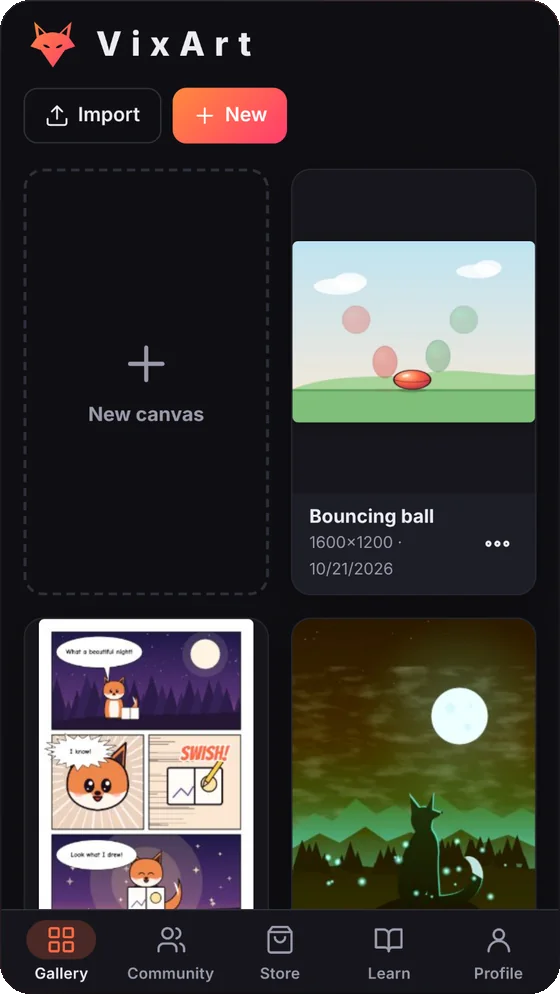
Your drawings stay on your phone. If you create an account, which is optional, you can also share and learn with other artists.

Community

Post your drawings, follow other artists and comment on their work.

Store

Brushes and resources from other artists. Each one is reviewed before it goes live.

Learn

Step-by-step tutorials by level: brushes, layers, color and technique.

Free to draw

Every tool is free.

VixArt

Free


  • All drawing, comic and animation tools
  • Community, Store and tutorials
  • Subtle ads, never while you draw

Frequently asked questions

Do I need an account to draw?

No. You can draw without signing up. An account is only needed for the community and the Store.

Where are my drawings saved?

On your phone. Nothing is uploaded unless you post it.

Can I continue a drawing on my computer?

Yes. Export it as a layered PSD and open it in any drawing program that reads PSD.

Does it work with a stylus?

Yes, with pressure and palm rejection. If you draw with your finger, VixArt estimates pressure from your speed.

Is there an iPhone version?

For now VixArt is Android only.

How do I delete my account?

In the app, under Profile → Settings, or by following these steps.
Write to us

Found a bug, have an idea or want to collaborate? We'd love to hear from you.

Or write directly to

Your email app will open with the message ready to send.